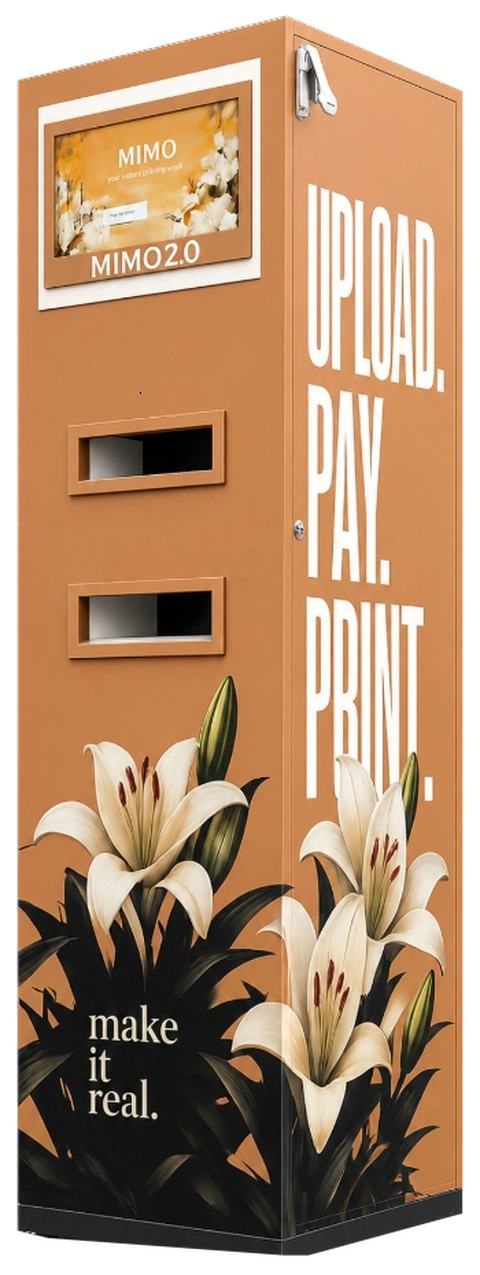
Step 1
Upload from any phone.
Sign in with Google and add your files. PDF, Word, PowerPoint, Excel, text or photos.
PDFDBMS_notes.pdf
DOCXLab_record.docx
JPGTimetable.jpg
MIMO
Step 1
Sign in with Google and add your files. PDF, Word, PowerPoint, Excel, text or photos.
Step 2
The machine, black and white or colour, one side or both, and how many copies.
Step 3
Google Pay, PhonePe, Paytm or a card, handled securely by Cashfree.
Step 4
Your code stays valid for 24 hours. Walk over when you like.
Enter this on the MIMO keypad
Our Story
MIMO started with a simple observation: printing on campus shouldn't be this difficult.
As students, we experienced the long queues, last-minute rushes, and inconvenience of getting documents printed when we needed them most.
So we decided to build a better way. What started as an idea became MIMO — a self-service printing kiosk designed to make campus printing simple, quick, and accessible.
We built, tested, and improved MIMO around real student needs — learning from every print, every user, and every challenge along the way.
Today, we're continuing to build MIMO into more than just a printing kiosk — a smarter way to access everyday campus services.
Our Vision
To make everyday campus services faster, simpler, and more accessible through smart, student-first technology.
→ Beyond printing
Our Mission
To make printing frictionless by providing students with convenient, reliable, and affordable self-service printing — right where they need it.
→ Student-first always
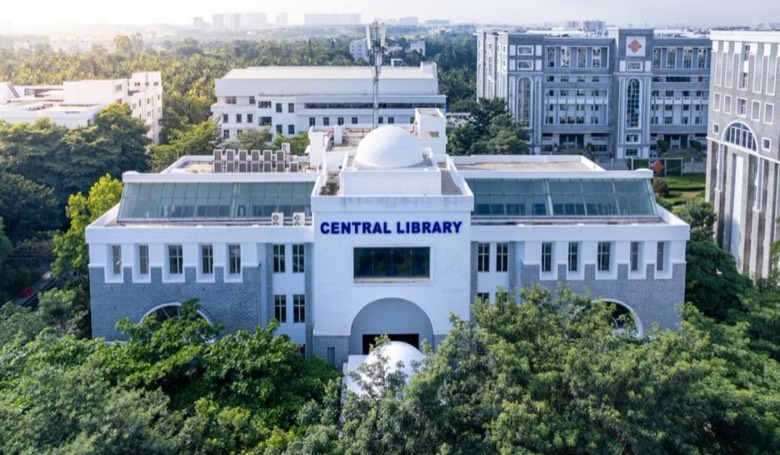
Central Library
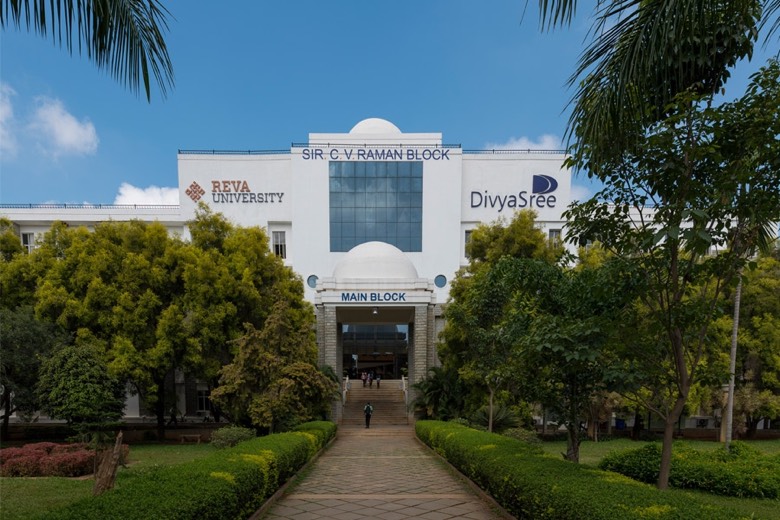
CV Raman Block
Where should it go? You tell us.
Thanks! More votes for a place bring MIMO there sooner.
Privacy
Files are encrypted in transit and permanently deleted from our servers right after printing. We never store, read or share your documents.
PDF, Word, PowerPoint, Excel, text files, JPG and PNG. PDFs give the most faithful result; other formats are converted to PDF before printing.
Your 4-digit code is valid for 24 hours. If you don't collect your prints within that window, your payment is refunded automatically.
All major UPI apps (Google Pay, PhonePe, Paytm), debit and credit cards, and net banking. Payments are processed securely by Cashfree.
Files are encrypted in transit and permanently deleted from our servers right after printing. We never store, read or share your documents.
 SUDOBOX
 Vasavi Condiments
 Raajply
 REVA NEST
No queue at the shop, no pen drive, no hunting for change.